Appearance
Features Detail
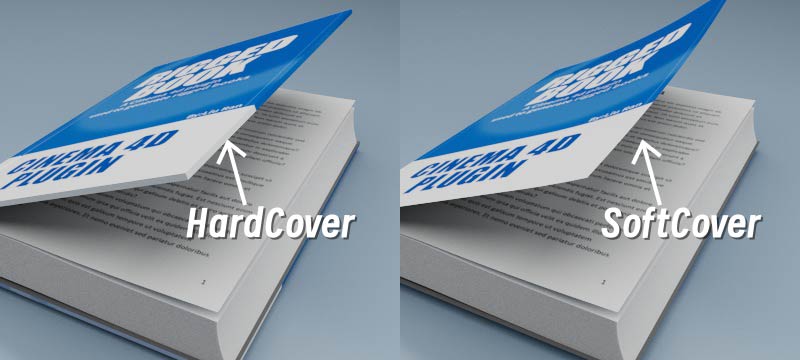
01.Two cover types:
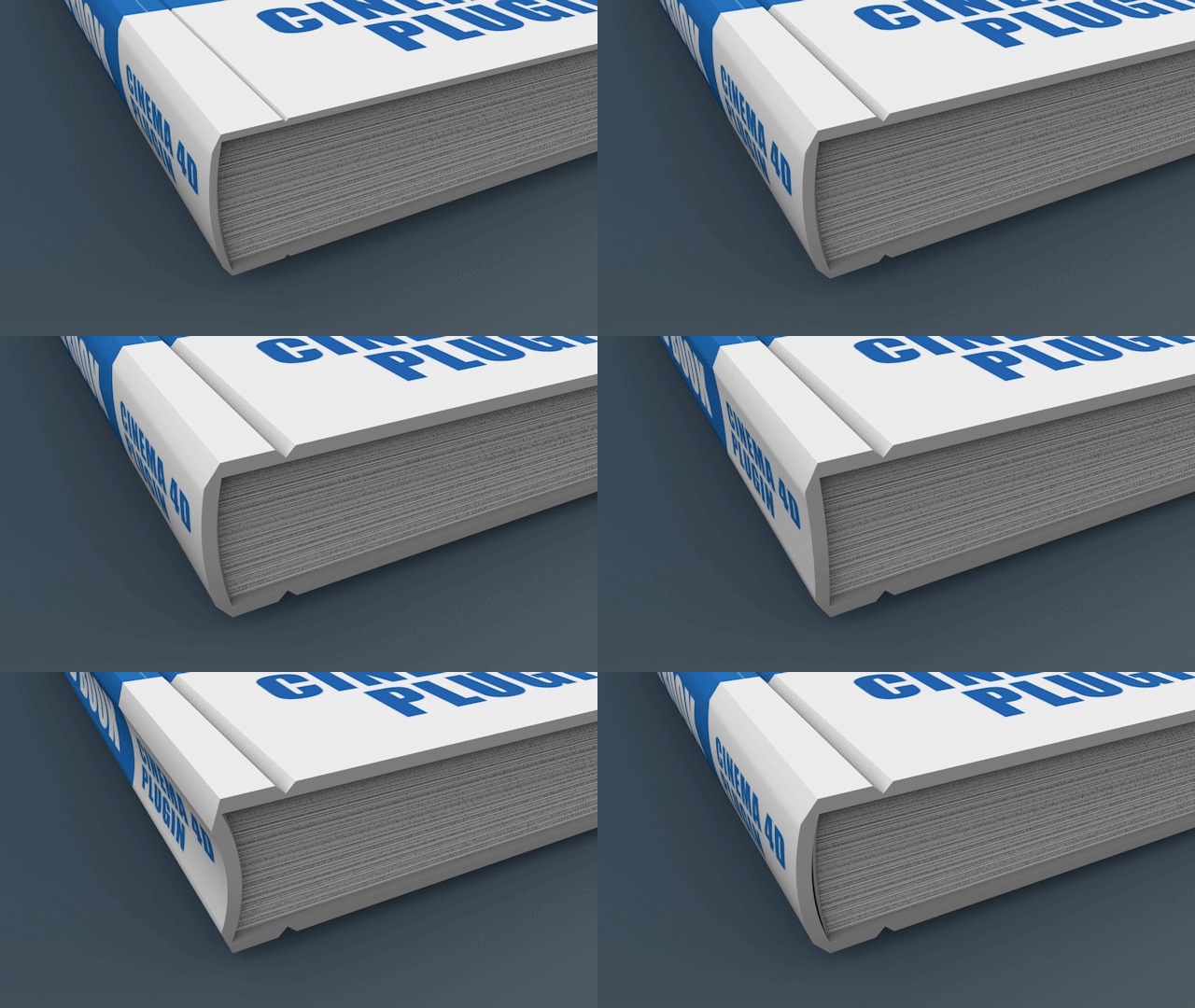
Hard cover: Get thickness on cover、has grooves.
soft cover: No thickness、no grooves,can bend.
02.Customizable page number:
The maximum number of pages can be set to 100.
Which means it can create a book up to 100 sheets with a maximum of 200 page number.

Warning:
The maximum number of page sheets is 100, the maximum of page number is 200.
03.No interleaving of pages:
No interleaving problems when turning pages.
04.Lots of Parameters:
The length, width and height of the book cover and inside pages can be adjusted respectively
(There are two parts in the parameter setting,1. Length, width, and height of the cover and 2. Length and width of the page)
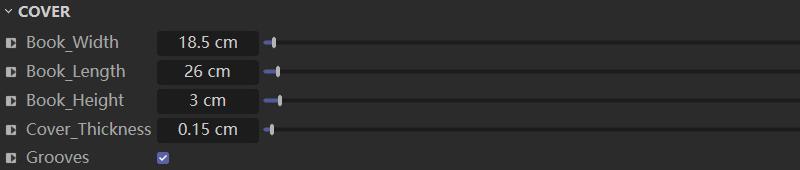

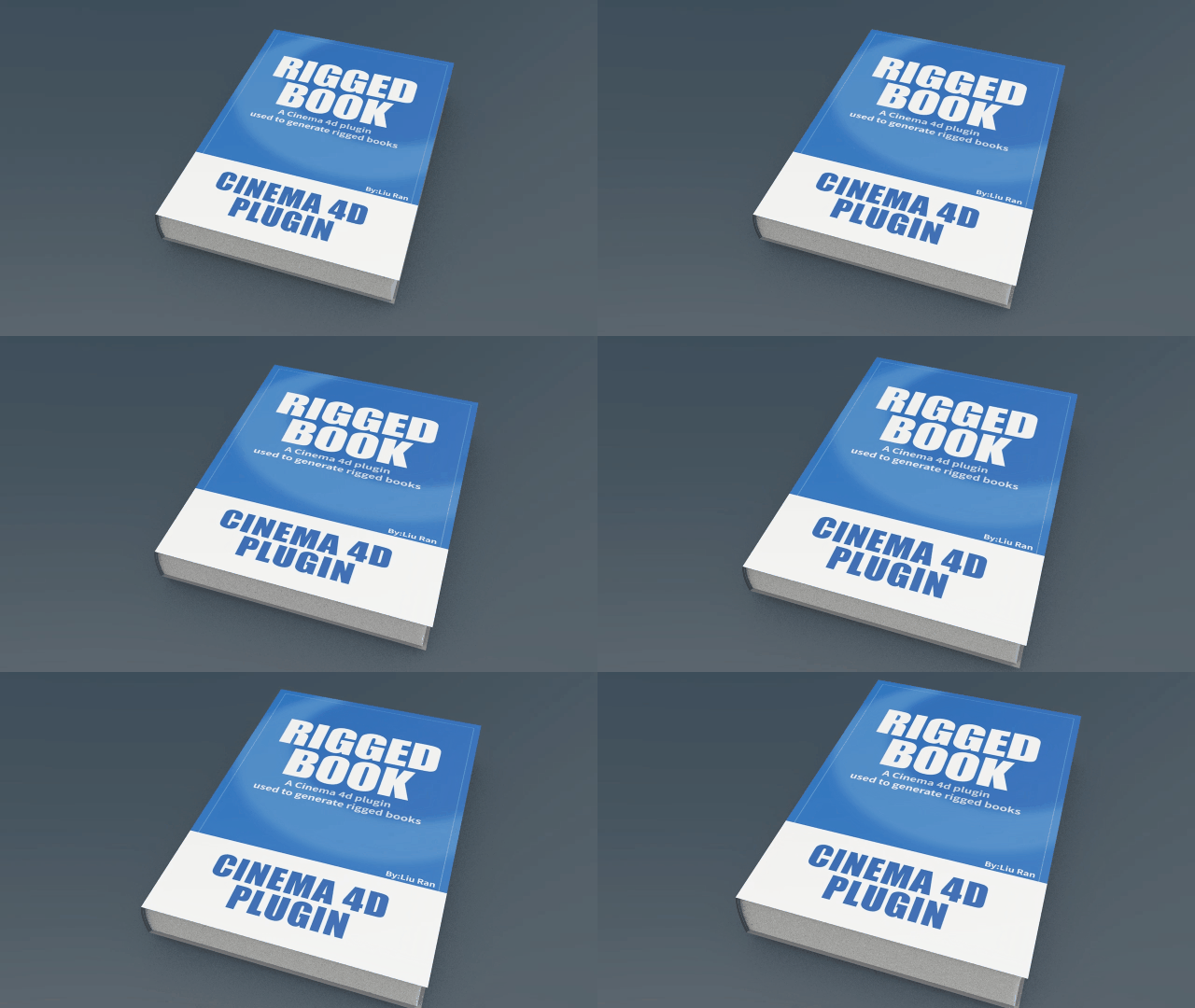
Turn on Grooves for hardcover book.

Tips
The groove is Boolean with cover, so, the position, shape, size, chamfer of the groove can be fully customized.
The thickness of the hard cover and the curvature of the spine can be adjusted freely.
Tips
Note: After adjusting the thickness, pay attention to adjusting the shape and position of the groove.
Adjust the bending strength of the pages.

Warning
All pages are adjusted at the same time, you can also adjust the bending position of the page, pay attention to the bending strength,if the bending strength is too large the pages will appear interspersed.
Arch control: Can adjust the loose state of the two side pages when the book is open.

Tips
After adjusting the relax parameters, there maybe interlacing bugs between pages and the cover, then you may consider use keyframe to fix the interpenetration.
And more parameters for control...
05.Simple material.
Easy for replacing your own book textures (manual or batch).
Cover materials:

Page materials:
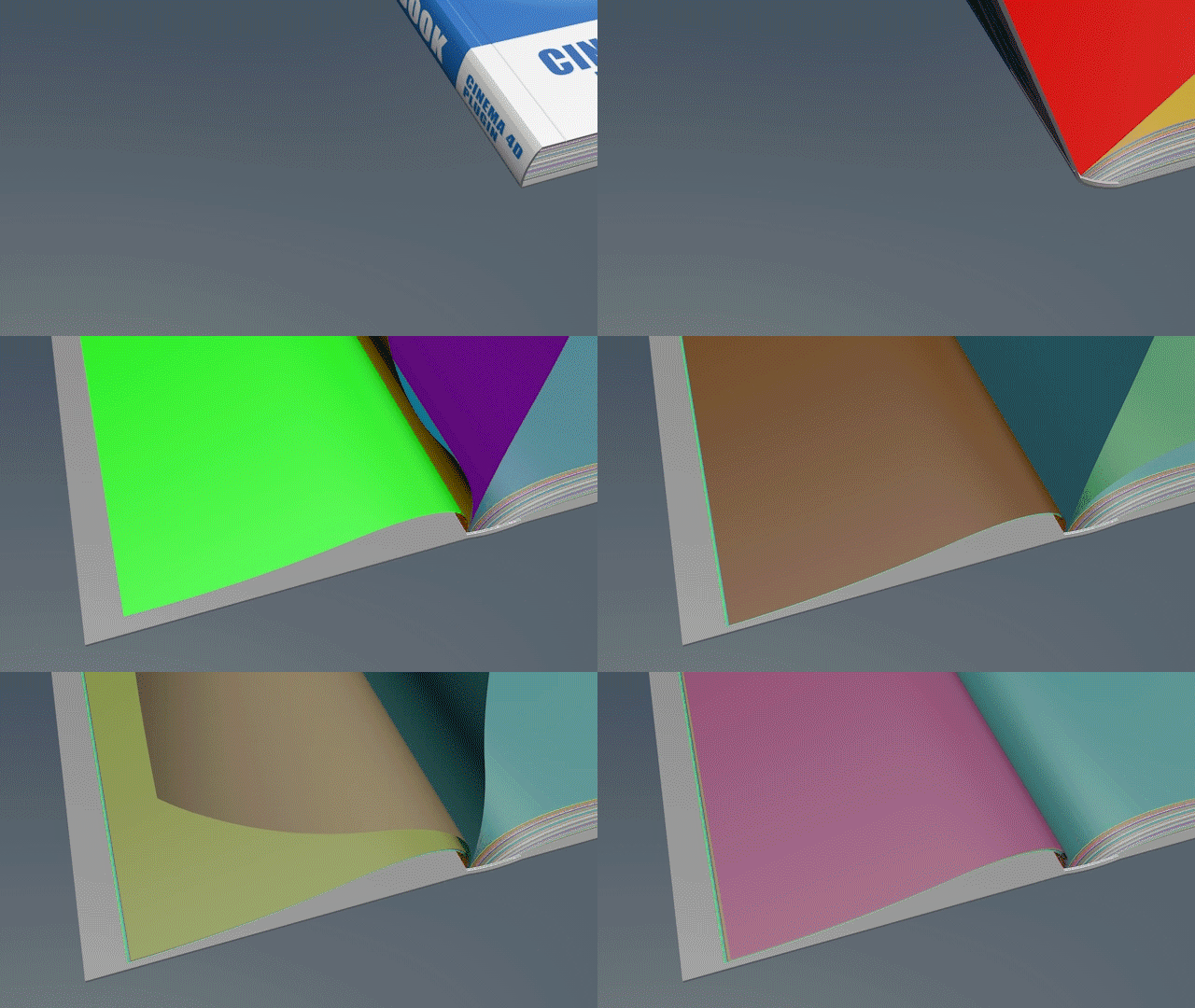
Each page has two materials, which control the front and back side of the page.
For example, in the following picture: Page.001 and Page.002 control the front and back sides of the first paper. 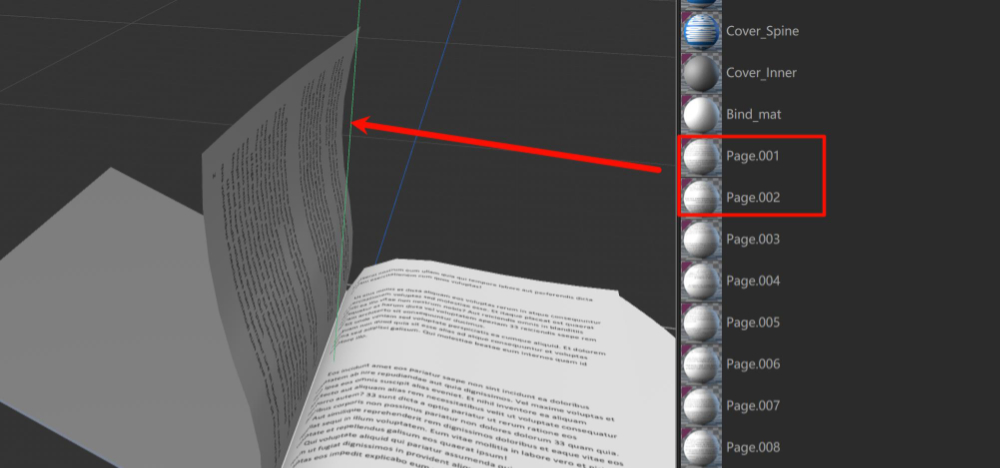
You can manually replace the textures in the material, or you can prepare your textures and name them according to the rules, replacing all the textures in batches.
How to replace textures manually or in batches?
Tips:
There are many C4D renderers, the author can not be proficient in all, the current method has been tested many times, but if there are mistakes in the use of the process, please contact me .
06.Easy Animation:
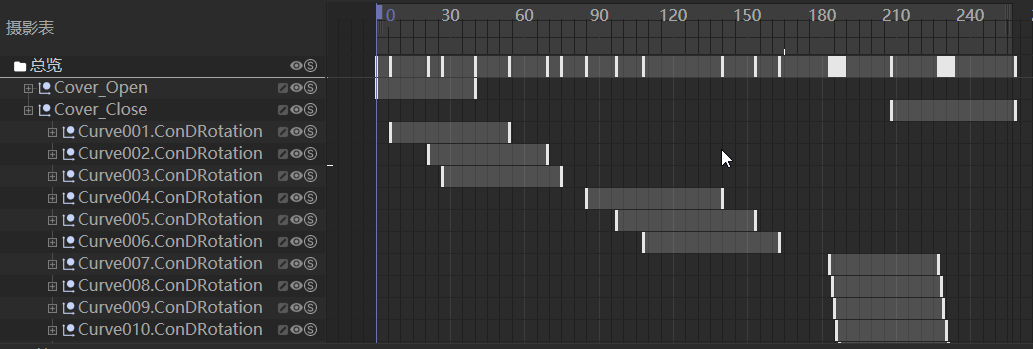
Cover and inside pages of the book have separate keyframes to control the flipping animation, It is convenient and intuitive to adjust the animation of turning pages.
Freely control the keyframes for each page, easily setting the animation of turning one page first, then another, or turning several pages together.
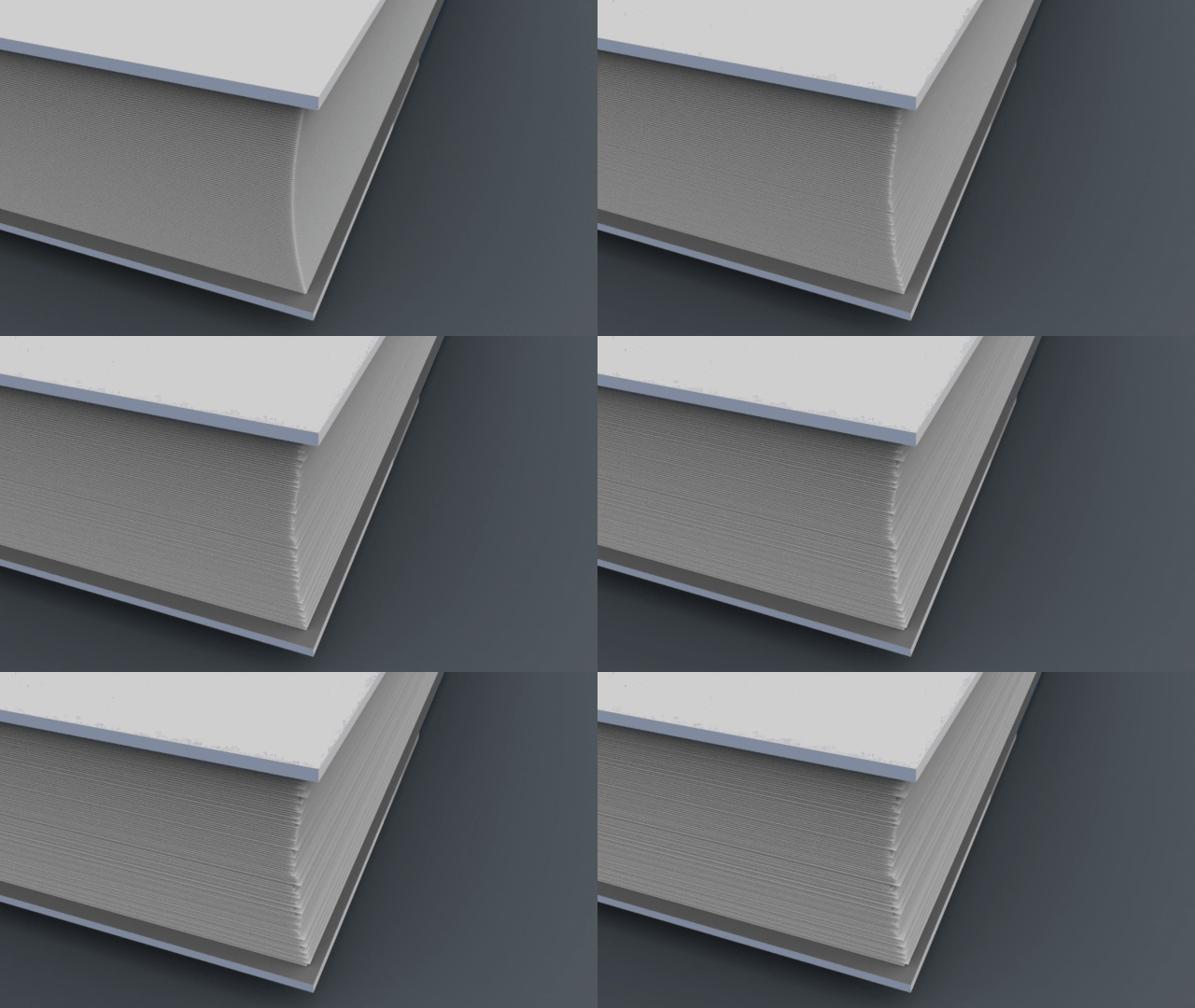
07.Easy achieve pages' uneven effects.
08.Ready for common renderers:
Ready for Standard renderer, Octane,Redshift,Arnold,Vray,Corona.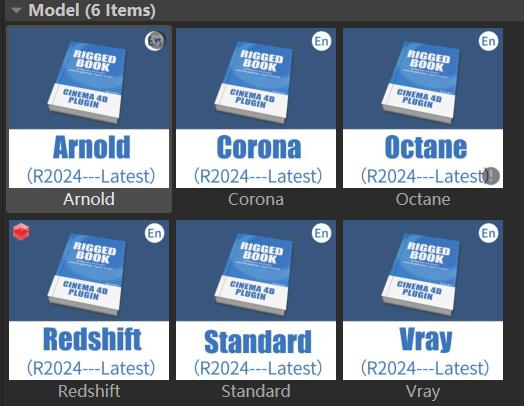
09.Detail frequence asked questions:
Online Help: https://liuran89.github.io/RBforc4d/